Month-End Close Checklist for Small Businesses: 10 Steps
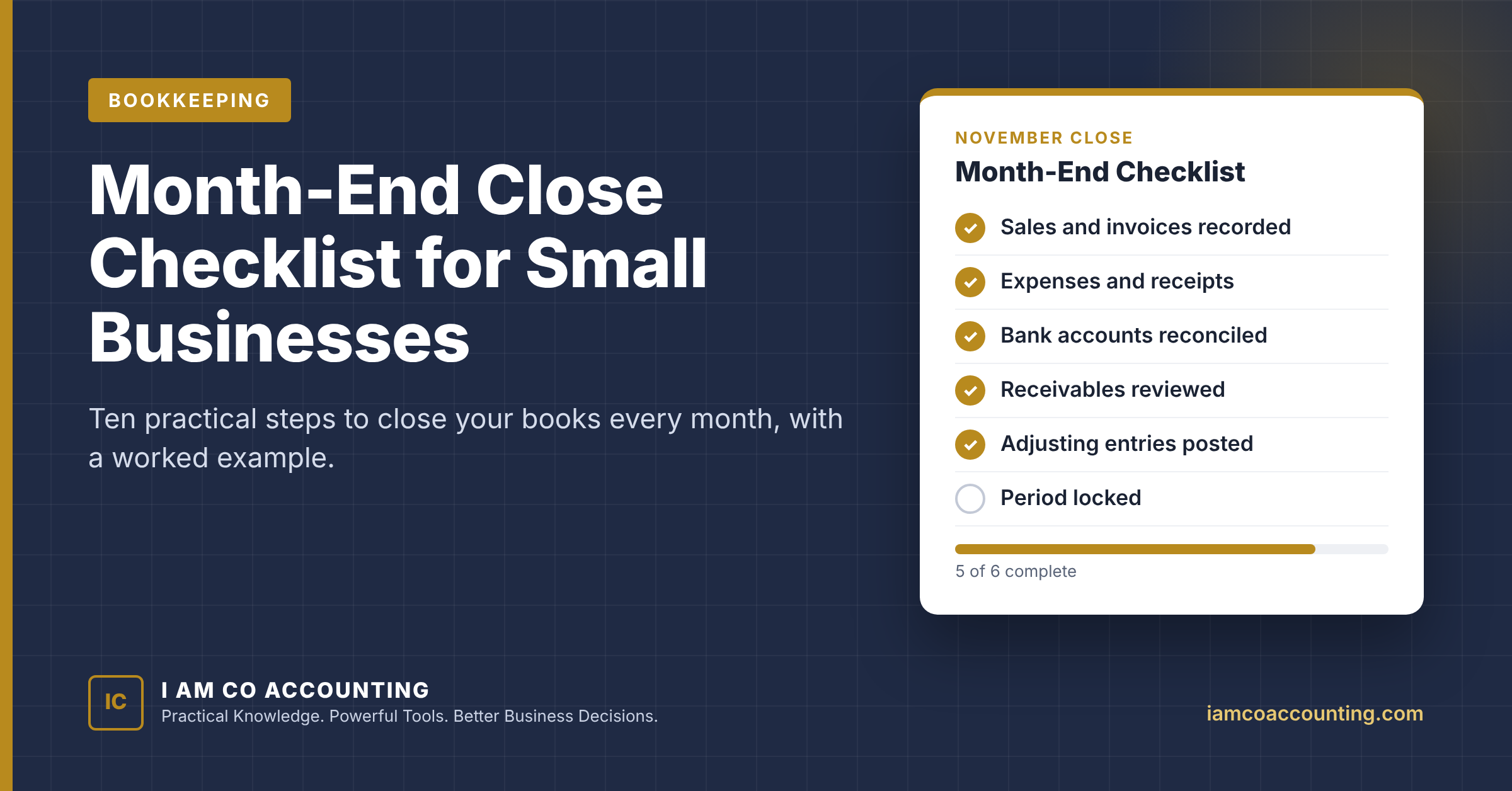
Most small business owners only look closely at their books when something forces them to: a loan application, a tax deadline, or a bank balance that suddenly looks lower than it should. By then, three or six months of receipts, transfers and unpaid invoices have piled up, and sorting them out takes days.
A month-end close checklist fixes that. It is a short routine you run after the last day of each month to make sure every transaction is recorded, every account agrees with outside evidence, and the reports you rely on are actually correct. Done every month, it usually takes a few hours rather than a few days, because nothing has time to go stale.
This guide walks through the ten steps we use with small business clients, explains why each one matters, and finishes with a worked example so you can see the numbers move.
What the month-end close actually is
The month-end close is the process of recording, checking and finalising your accounting records for a single month, so that your profit and loss statement and balance sheet for that month can be trusted. Large companies have teams and software dedicated to it. A small business needs the same discipline on a smaller scale.
It is not a tax return and nobody outside the business forces you to do it. That is exactly why it gets skipped. But the owners who close every month are the ones who notice a missing customer payment in week two rather than month six, spot a supplier double charging them, and walk into a bank meeting with figures they can defend.
The 10-step month-end close checklist
1. Record every sale and send any missing invoices
Start with income. Check that every sale made during the month has an invoice or sales receipt in your system. Jobs completed on the last two or three days of the month are the ones most often forgotten. If you invoice through QuickBooks, Xero or a similar package, run a sales report for the month and compare it with your job list, delivery notes or point of sale summary.
2. Record every expense and attach the evidence
Go through bills, receipts, card statements and mobile money statements. Every business expense should be entered with the right category and, ideally, a digital copy of the receipt attached to the transaction. Attaching evidence now saves hours later when an auditor, tax officer or lender asks what a payment was for.
3. Reconcile every bank, mobile money and card account
This is the heart of the close. A reconciliation compares your accounting records with the statement from the bank or provider and explains every difference. Reconcile each account separately: business current account, savings, mobile money wallets, credit cards and any PayPal or payment processor balances.
When the reconciliation balances, you have independent proof that cash in your books is real. If you use QuickBooks Online, we explain the full process in our step-by-step guide to reconciling a bank account in QuickBooks Online.
4. Review accounts receivable
Run an aged receivables report. Look for invoices that are overdue, payments that were received but not matched to the right invoice, and credit balances that suggest a customer paid twice. Decide what to chase this week. A receivables list that keeps growing while sales stay flat is often the first sign of a cash problem.
5. Review accounts payable
Run an aged payables report and compare it with supplier statements for your main suppliers. Make sure every bill you owe is recorded, and that bills you have already paid are not still showing as unpaid. This is where duplicate payments are usually caught.
6. Count or check inventory if you hold stock
If you sell physical goods, compare the quantity of your top items in the system with what is actually on the shelf. You do not need a full stock count every month, but a spot check of your highest value and fastest moving items will catch theft, damage and recording errors early.
7. Post adjusting entries
Some costs and income belong to a month even though no cash moved. Common adjustments for small businesses include:
| Adjustment | Example | |---|---| | Accrued expense | Electricity used in November but billed in December | | Prepaid expense | Annual insurance paid in January, spread over 12 months | | Depreciation | Monthly charge for vehicles, computers and equipment | | Accrued income | Work completed in November but invoiced in December |
If you report on a cash basis for tax, you may still want these adjustments in your management accounts so your monthly profit reflects reality.
8. Reconcile the balance sheet accounts
Look beyond the bank. Loans should agree with the lender's statement, payroll liabilities with what is owed to staff and the tax authority, sales tax or VAT payable with your workings, and owner drawings with what was actually taken. Any balance sheet account you cannot explain is a warning.
9. Review the profit and loss and balance sheet
Now run the reports. Compare this month with last month and with the same month last year if you have it. Ask simple questions. Why did rent double? Why is there no income in one category? Why is the bank balance on the balance sheet different from the reconciled figure? Large or unexpected movements usually point to a posting error rather than a real change.
10. Lock the period and file your records
Once you are happy, close the month in your software. In QuickBooks Online this is done by setting a closing date with a password under the advanced settings, which stops anyone changing that period by accident. Save a PDF of the month's reports and reconciliations in a dated folder. Next month you start fresh, with a clean opening position.
A worked example
Here is a hypothetical example to show why the close matters. Kora Design Studio is a small branding agency. On 30 November its owner looks at the accounting software and sees a bank balance of $8,420 and a November profit of $3,150.
During the close, the bookkeeper finds four things:
- A client payment of $1,200 arrived on 29 November but was never recorded.
- A software subscription of $85 went out on the company card and was not entered.
- An invoice for $2,400 of work finished on 28 November had not been raised.
- The office internet bill of $60 for November will only arrive in December.
After the close, the corrected figures look like this:
| Item | Before close | Adjustment | After close | |---|---|---|---| | Bank balance | $8,420 | +$1,200 | $9,620 | | Accounts receivable | $4,600 | +$2,400 − $1,200 | $5,800 | | November profit | $3,150 | +$2,400 − $85 − $60 | $5,405 |
The $1,200 payment did not change profit, because it settled an invoice that had already been counted as income. It moved money from receivables into the bank. The new $2,400 invoice, on the other hand, increased both profit and receivables. The two unrecorded costs reduced profit by $145.
Without the close, the owner would have believed the business earned $3,150 in November. The real figure was $5,405. That gap is the difference between deciding you cannot afford a new hire and knowing that you can.
Common month-end mistakes
The most frequent problem we see is reconciling the bank but nothing else. A balanced bank account does not tell you whether customers owe you money, whether a loan balance is right or whether a supplier has been paid twice.
The second is treating the close as a once-a-year job. A year of transactions is far harder to reconcile than a month, because memories fade and documents go missing.
The third is mixing personal and business spending. Every personal payment from the business account needs to be recorded as an owner drawing, otherwise it inflates expenses and understates profit.
How long should the close take?
For a small business with one bank account and fewer than a few hundred transactions a month, a well organised close often takes between half a day and two days. The first few months take longer while you build the routine. Track how long each close takes and aim to shorten it over time; that trend matters more than any benchmark.
Make it easier with the right tools
You do not need to build this routine from scratch. Our ebook, The Practical Accountant, includes a ready-to-use month-end checklist, a starter chart of accounts and a full worked case study that takes a small business through a complete month of bookkeeping. It is written for business owners and new bookkeepers who want to understand what they are doing, not just which buttons to press.
Get The Practical Accountant for $19.99 or browse the I AM CO ACCOUNTING store for more practical accounting resources.
If you would rather hand the work over, our team of professional accountants and Certified QuickBooks ProAdvisors sets up month-end close routines, cleans up backlogged books and runs monthly bookkeeping for businesses in many countries. Start with a free Financial Systems Health Check and we will show you where your current process is leaking time and money.
Frequently asked questions
What is included in a month-end close checklist? A typical checklist covers recording all sales and expenses, reconciling every bank and card account, reviewing receivables and payables, checking inventory, posting adjusting entries such as accruals and depreciation, reconciling balance sheet accounts, reviewing the financial statements and locking the period.
Do small businesses need to close the books every month? There is usually no legal requirement to close monthly, but it is the most reliable way to keep records accurate, catch errors early and make decisions from current figures. Annual tax and audit work also becomes much faster.
What is the difference between month-end close and year-end close? The month-end close is mainly an internal check that produces reliable management reports. The year-end close goes further, covering final adjustments, tax calculations and statutory accounts that are shared with tax authorities, lenders or auditors.
Can I do a month-end close in QuickBooks Online? Yes. QuickBooks Online has the reports, reconciliation tool and closing date setting you need. The checklist above works in QuickBooks Online, QuickBooks Desktop, Xero and most other accounting packages.
How do I lock a month in QuickBooks Online? Set a closing date in the advanced settings of your company account and add a password. Transactions dated on or before that date then need the password to be changed.
This article provides general bookkeeping guidance and is not tax or legal advice. Accounting and tax rules differ by country, so check local requirements with a qualified adviser.
Written by the I AM CO ACCOUNTING team of professional accountants and Certified QuickBooks ProAdvisors. I AM CO ACCOUNTING is a business division of I AM CO GM (SL) LIMITED.
Need help applying this to your business?
Our accountants and QuickBooks ProAdvisors work with businesses and NGOs in Sierra Leone and worldwide.
Request a free consultationKeep reading
Segregation of Duties for Small Business: A Practical Guide
Segregation of duties for a small business, made practical: which tasks to split, compensating controls for tiny teams, and QuickBooks Online settings.
Business AdvisoryProfit vs Cash Flow: Why Profit Isn't Money in the Bank
Why a profitable business can still run out of cash, explained with a worked example, plus six practical ways small business owners can protect cash flow.